Dexcom's New 505 Software Review and How To
The (Algo) Rhythm is Gonna Get You!
Last week the good folks at the FDA approved Dexcom's latest software for use in your G4 continues glucose monitor. Let's talk about what you'll need to know about installing the software on your receiver and if I saw a difference after upgrading.
What you need to upgrade?
A Dexcom G4 adult receiver (The company has announced that they will submit the software to the FDA in 2014 for approval in their pediatric receiver).
A Windows computer with Internet access
The charging cable from your Dex, minus the electric adapter, so USB to Dexcom
A few minutes
What to do...
Go to Dexcom's website and click on the "Download NEW Software 505" link. You will need to login to the Dexcom site, if you do not have an online account on their site, you can quickly make one.
A downloader program is installed on your computer. After launch it will ask for you to connect your receiver to the computer and the rest happens in short order. Please note TWO important things. The process will revert your receiver back to it's factory specs. Make notes of all your settings and be prepared to reconfigure the receiver (takes a few minutes) after installation. Also, you will have to restart your sensor session after the update, so you won't be getting any of that good BG data during those two hours - plan accordingly.
You don't have to wait until it's time to put on a new sensor to upgrade! Just choose 'Stop Sensor' on your receiver's menu and then restart the receiver after the software upgrade has finished. You DO NOT have to change your sensor site to do a sensor stop/start.
Should I do it?
Yes, here's why...
Dexcom is reporting that the MARD (mean absolute relative difference) will increase by 4%. In plain language, your Platinum G4 without the new algorithm has a 13% MARD , the new software clocks in at 9% MARD - a lower MARD is more accurate.
Did you know? The new 505 software is the version currently being used in artificial pancreas trials!
What did I see after the upgrade?
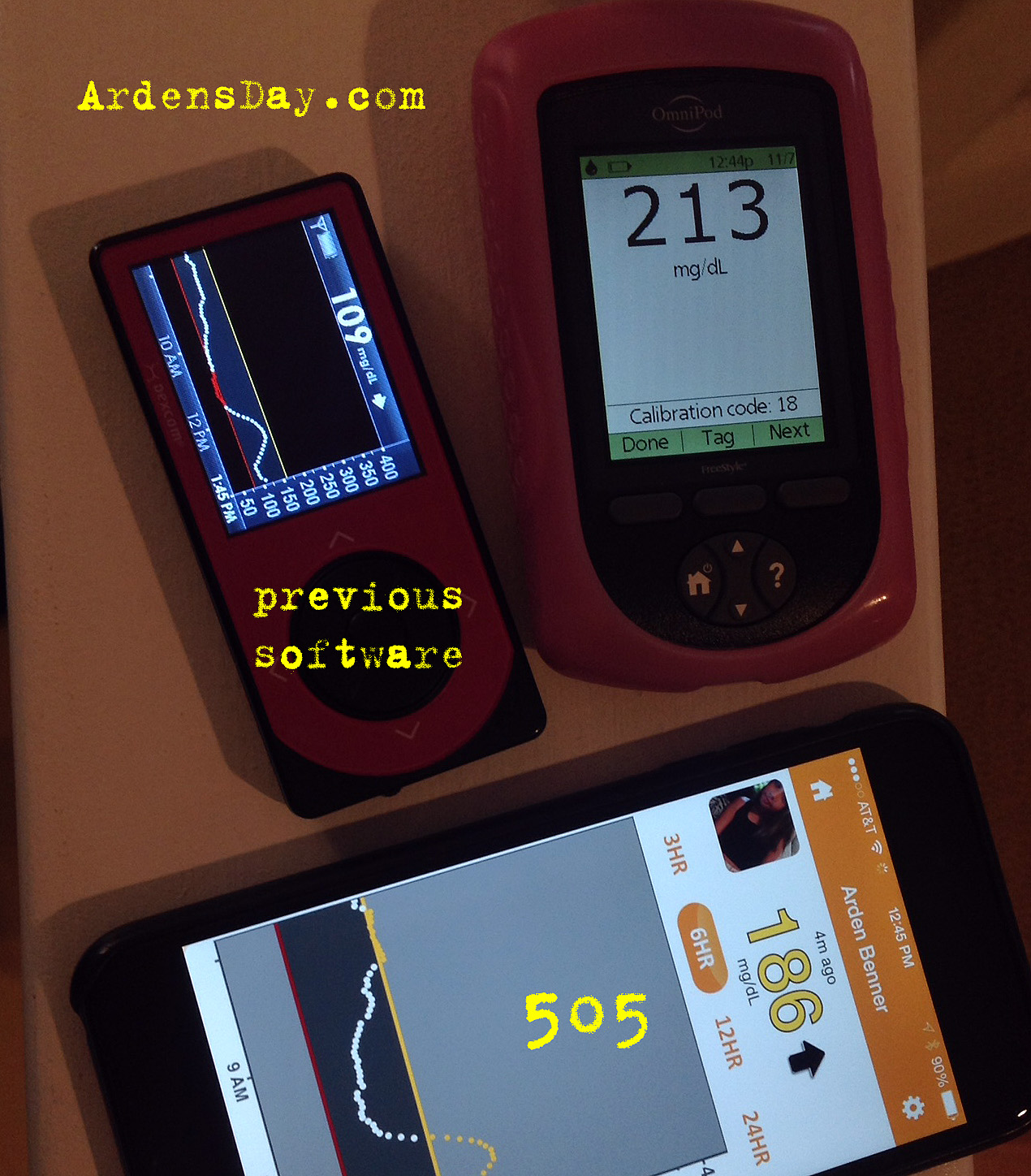
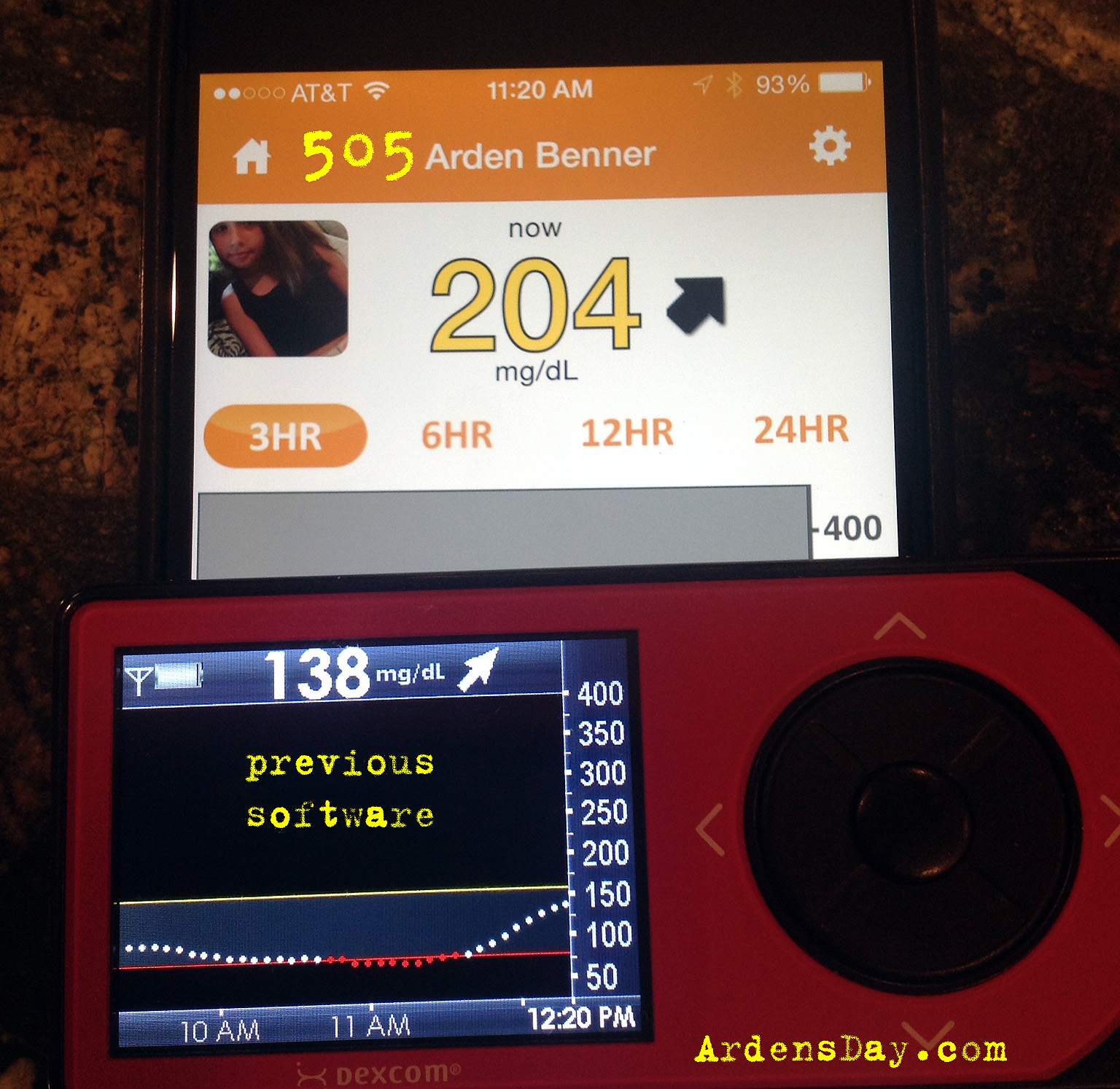
We upgraded Arden's receiver and have been running it for a week in conjunction with another G4 receiver that is using the previous software. My in a nutshell review -- the new software has been consistently closer to our finger stick checks than the previous software. We use the OmniPod meter with Freestyle strips. This is not to say that the previous software is always farther off then that of the newer version - at times it has been and at times it hasn't. The newer version (505) has been consistent with my prior expectations or better, never worse. But when it is appreciably better, it is 20 - 30 points more accurate and that's worth upgrading for in my opinion. It also seems to deliver more accurate fall and rise rates that don't linger after the change in BG has leveled.
Here's some side-by-side pics...
The first four images show a BG rise (I confirmed with a meter not pictured). You can see that the previous software lagged behind the rise and never reached the actual BG which topped out at 213 (on meter). The fifth image is an example of no significant difference between 505, previous and meter. The last image shows a metered 68 that registered as a 6o with the new software but an alarming 46 with the previous version. After testing and calibration the previous version adjusted to 60, the new version adjusted to 66.


Conclusion...
Obviously my observations are just that, observations. Nothing very scientific was done and I am not a doctor as my disclaimer mentions. The upgrade is fast and simple but Mac users will have to bum a Windows machine from a friend.
The 505 software is currently not approved for the pediatric version of the G4 but Dexcom announced that they will be applying with the FDA in the last quarter of 2014 - that's any day.
The upgrade is free, better and the next step toward CGM data that perhaps one day you'll be able to dose insulin from - might as well do it... I don't see any downside.
Managing type 1 Diabetes just got a little bit easier in my opinion and I expect to see a difference in Arden's A1c after a full three months with the new software - time will tell.






First Impressions: Dexcom SHARE
I'm a bit of a pragmatist so when asked the question, "What would make the Dexcom continuous glucose monitor better?" - my simple answer was that I would like it to be able to send information to a remote location. I don't need it to power Iron Man or transform into a hover board. I just need to not have to get out of my bed and walk into Arden's room when it alerts. After eight years with type I diabetes, that is what I need more than anything else – pragmatically speaking.
It's my assumption that future iterations of CGM devices will do more. I'm hopeful that sooner rather than later, the device will be able to broadcast it's signal without the aid of a cell phone so we will be able to receive alerts on our phones or our futuristic cerebral implants without having to attach the Dex to a transmitter. But really, once cerebral implants are a reality, whose going to need a cell phone?
Back here in reality
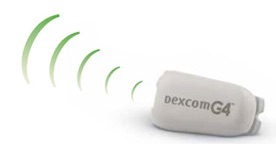
For the moment the technology that exists has limits. First the signal from the Dexcom transmitter has to be sent to a device that can read it. The current transmitter, per the Dexcom website, has a useful distance of 20 feet.
After the transmitter sends the signal it must be captured and translated into data you can use. That's where the receiver comes in and now with the advent of SHARE, your iPhone can act as a secondary receiver.
But how does the signal get from the transmitter to your iPhone?
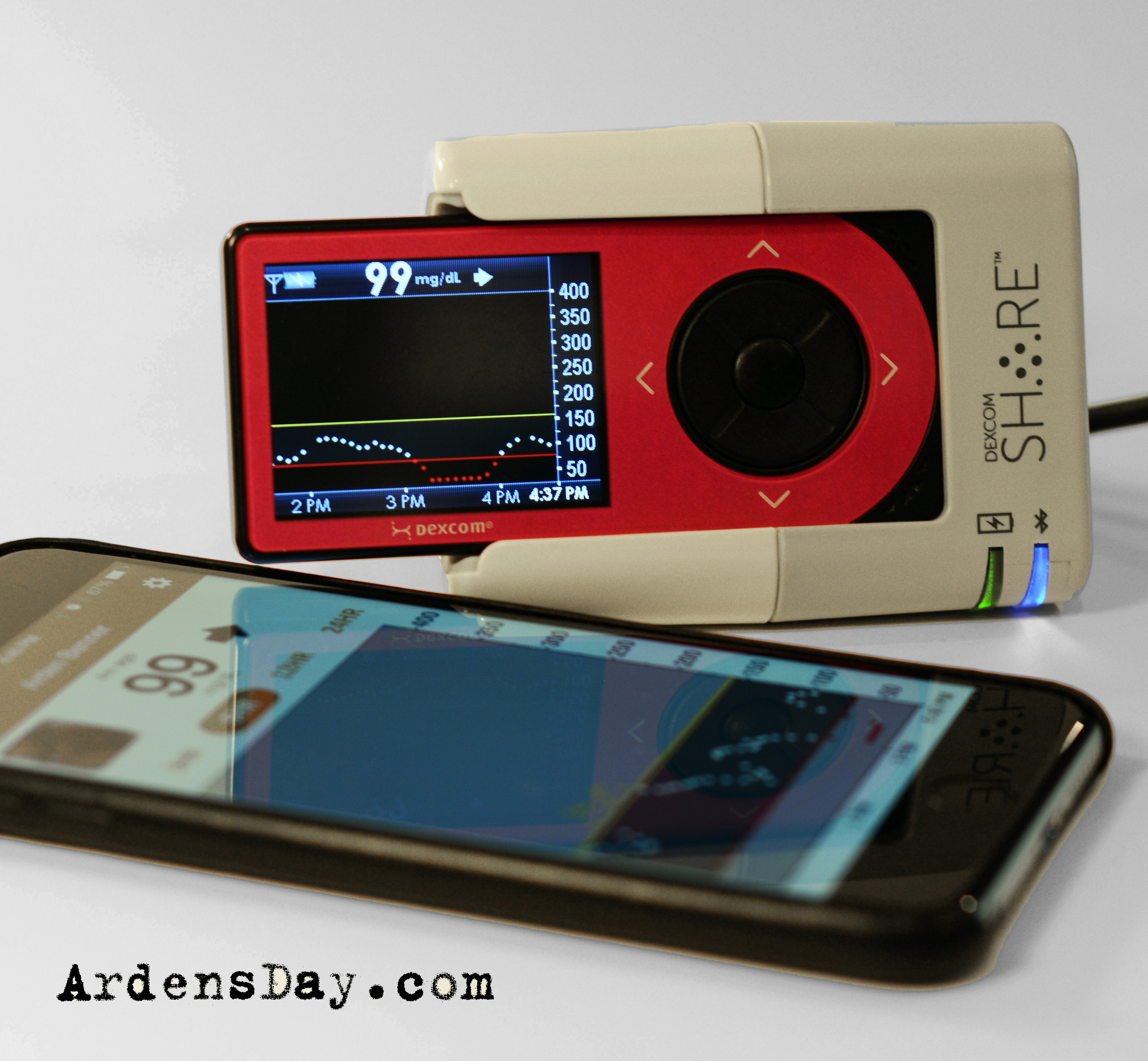
When Arden goes to bed she places her Dexcom receiver into the new SHARE cradle. The cradle takes the data that the receiver has gotten from the transmitter and sends it, via Bluetooth, to Arden's iPhone running the Dexcom SHARE app. That iPhone, using it's cell or a WiFi signal, sends that information to Dexcom's cloud. My iPhone running the Dexcom FOLLOW app, gets Arden's data, alarms and graphs from the cloud. It sounds convoluted I know, but it is actually very simple to set up (minutes), seamless in its execution and just plain works. In my opinion, that's when technology is helping you, when it's easy and reliable.
setup
To complete the cradle setup, plug it into the wall and pair it to your Dexcom receiver. You are finished.
To set up the transmitting iPhone (the one that needs to stay within Bluetooth distance of the cradle) download the Dexcom SHARE app from the iTunes app store.
Setting up the iPhone that you will view the data requires the Dexcom FOLLOW app.
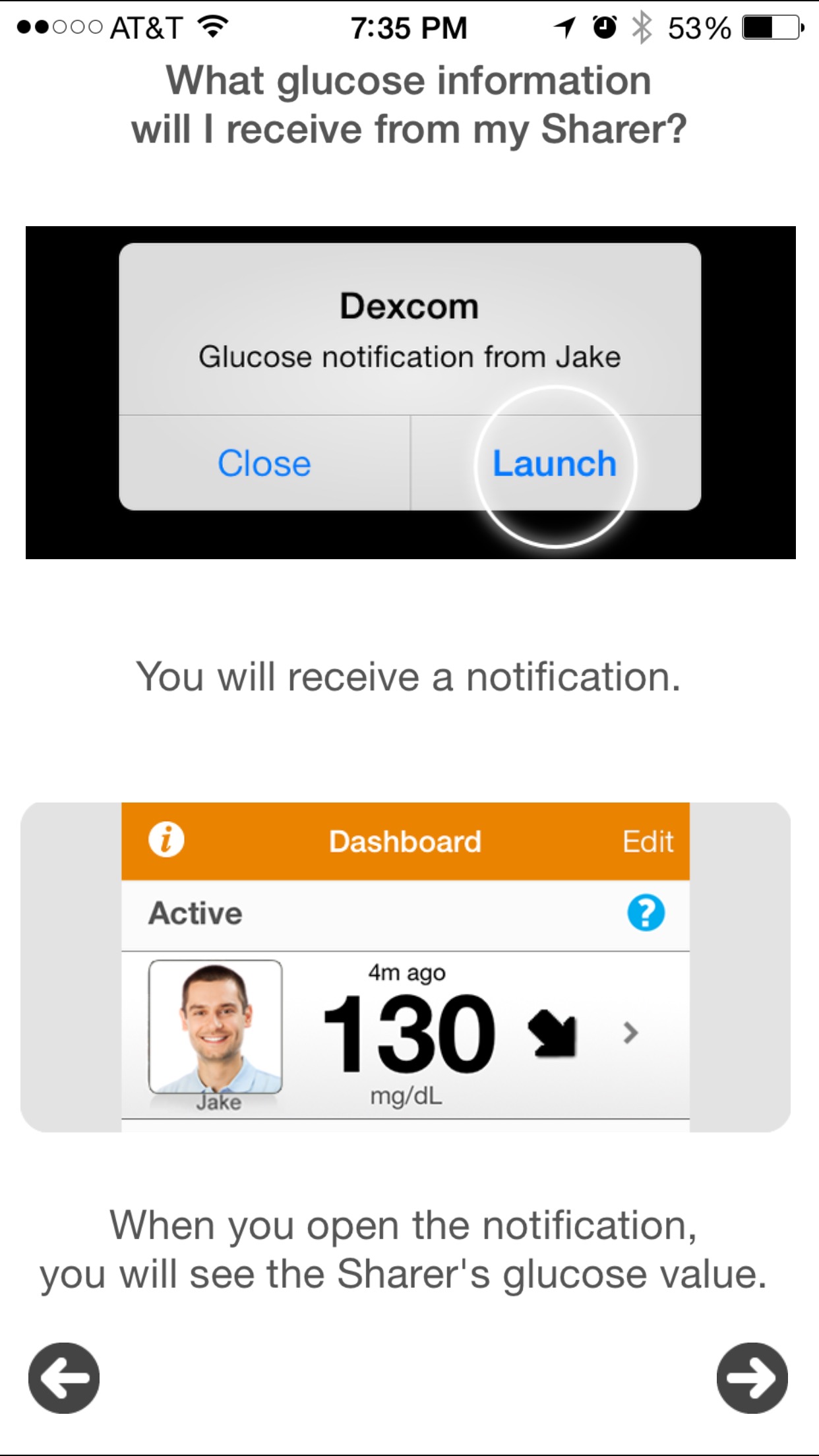
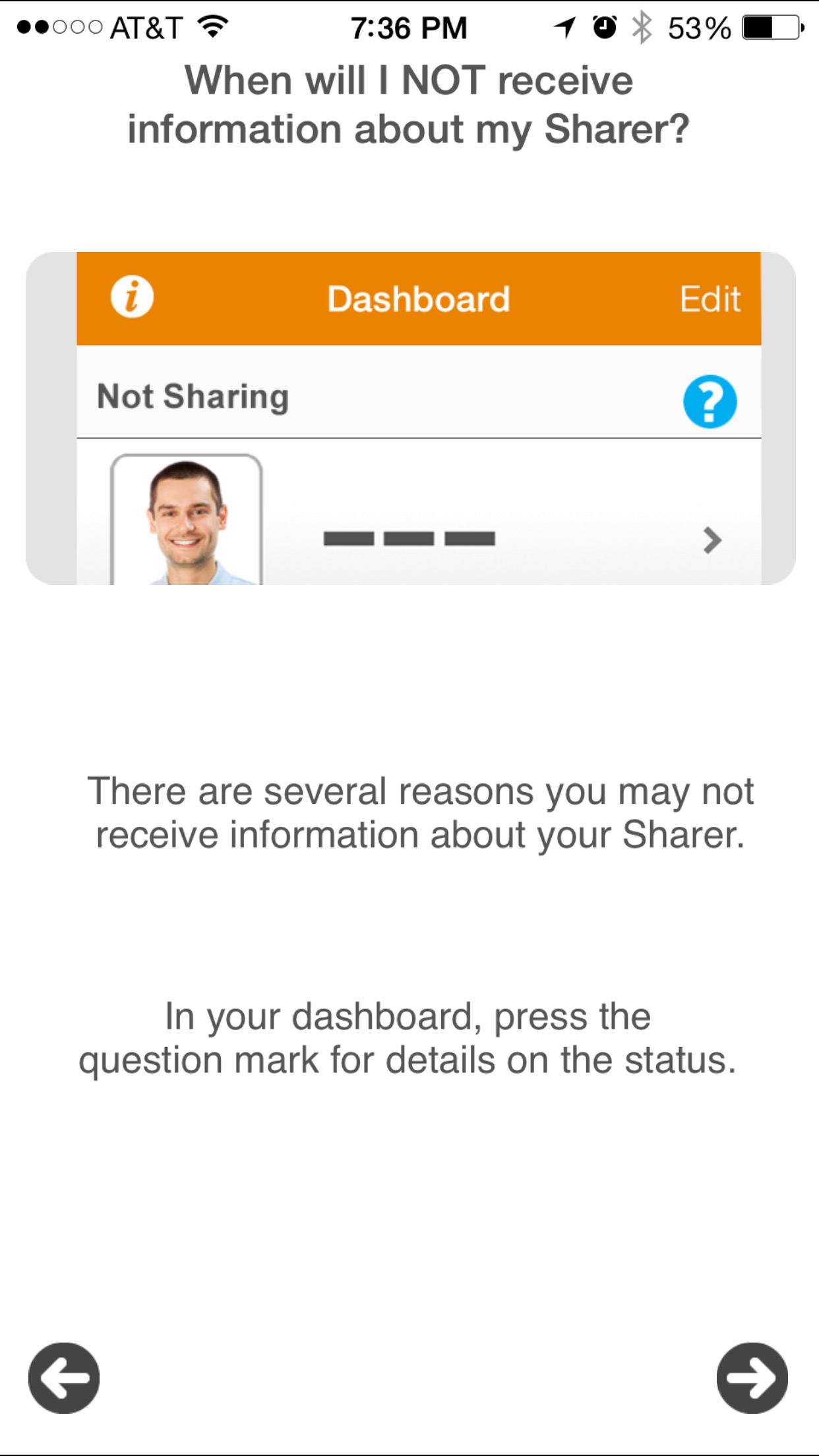
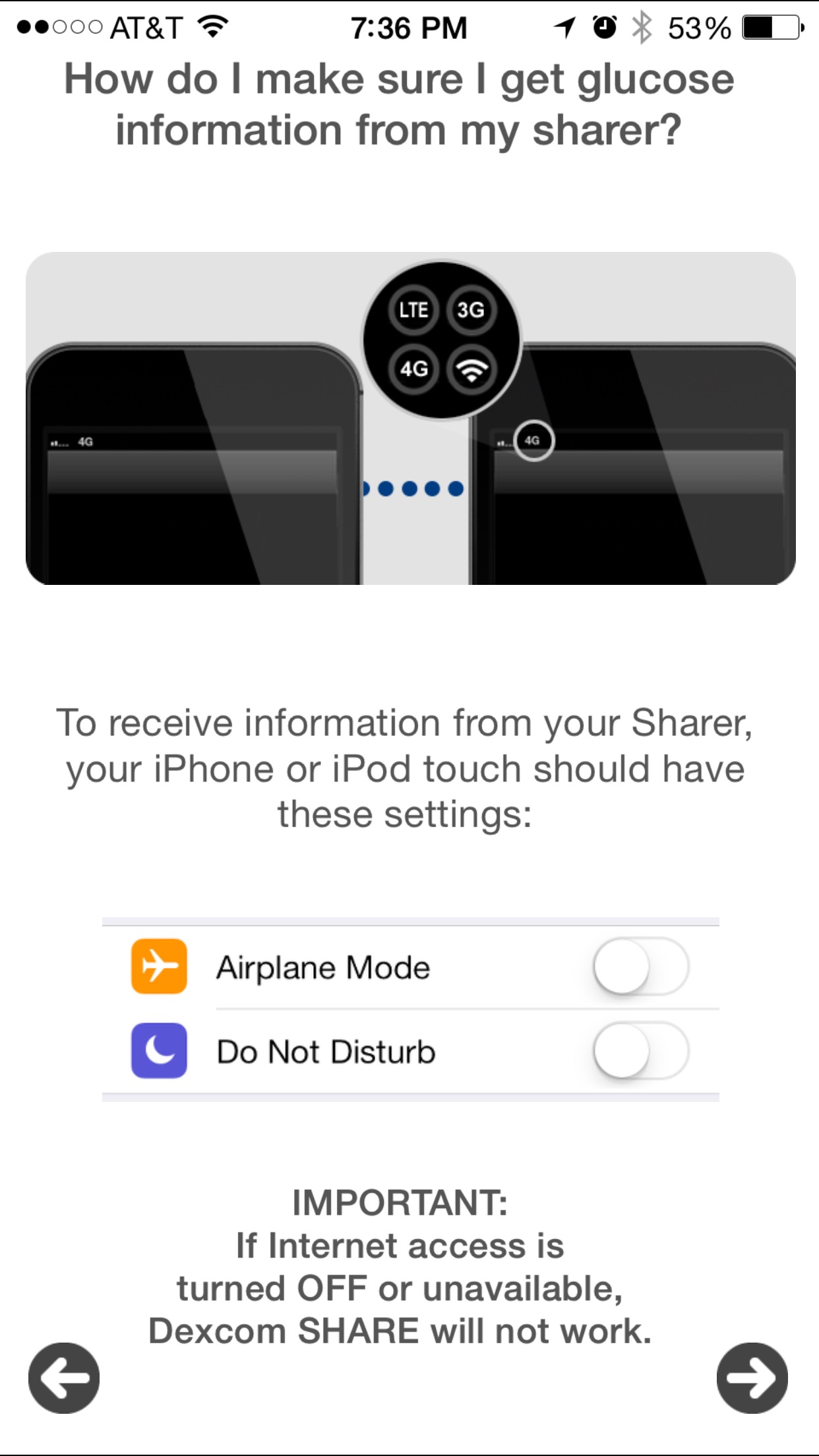
Follow the onscreen directions to set up both apps. I've captured the SHARE and FOLLOW setup screens so you can get a look at them.
SHARE app


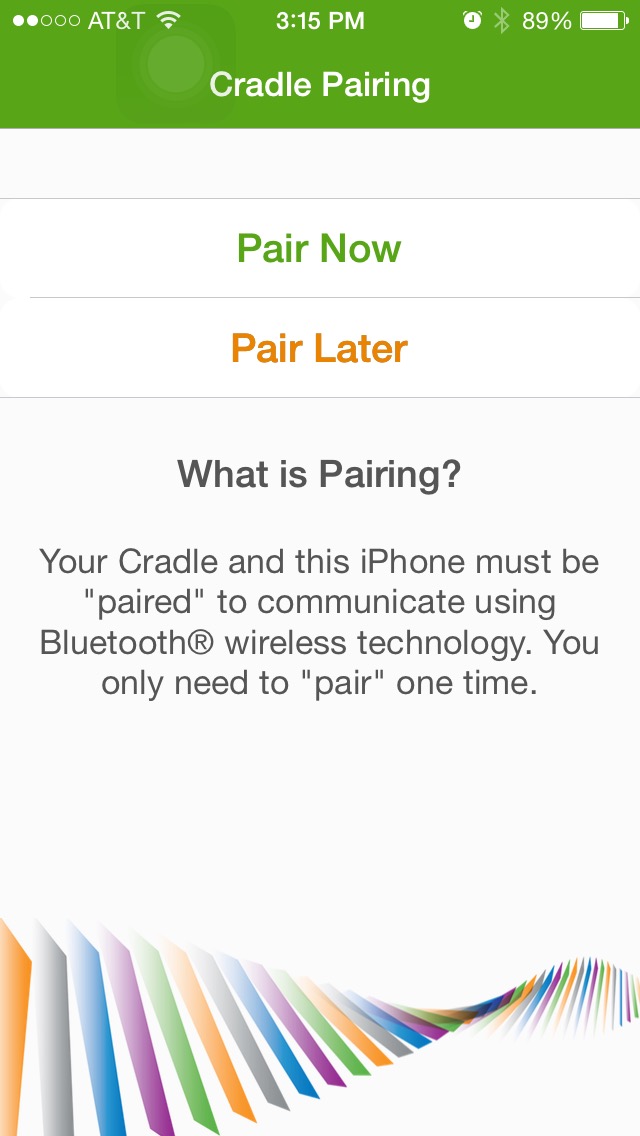

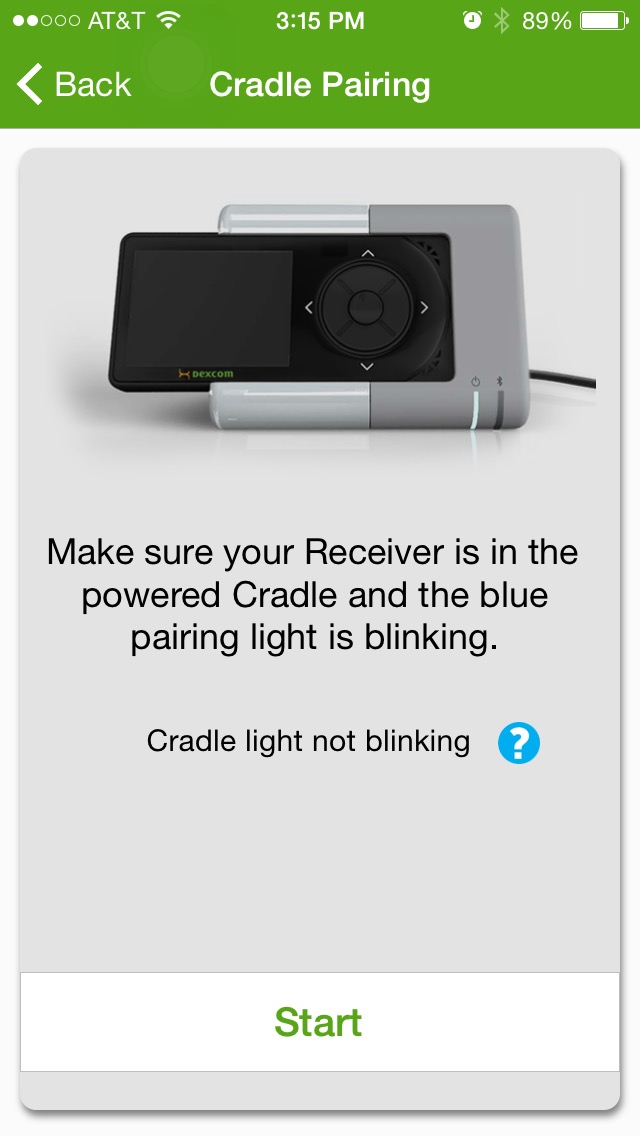


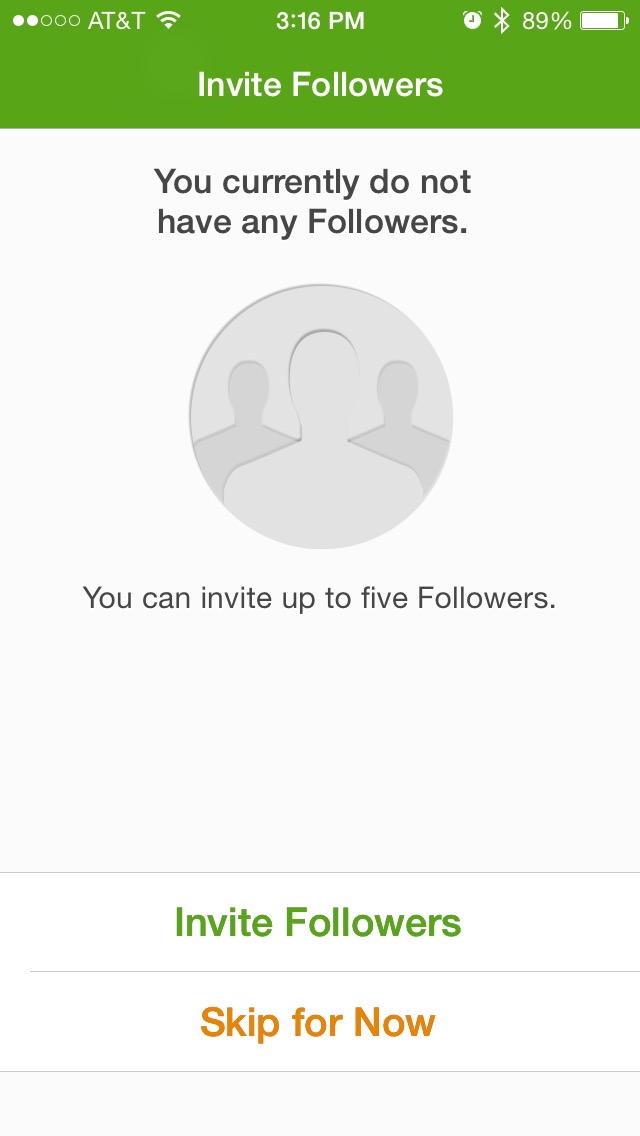


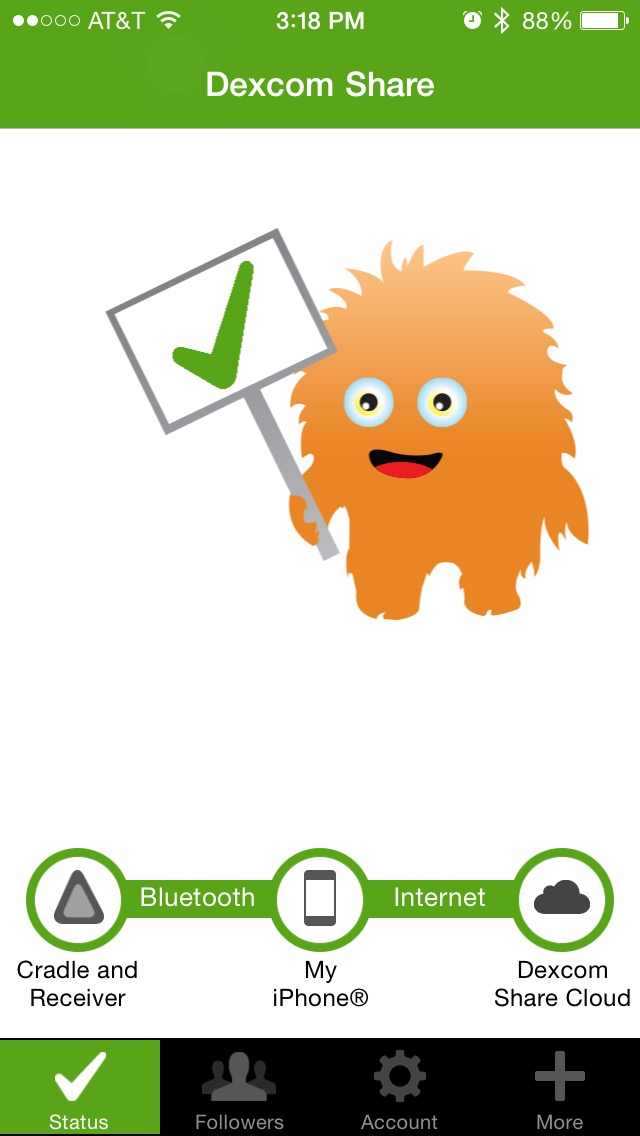

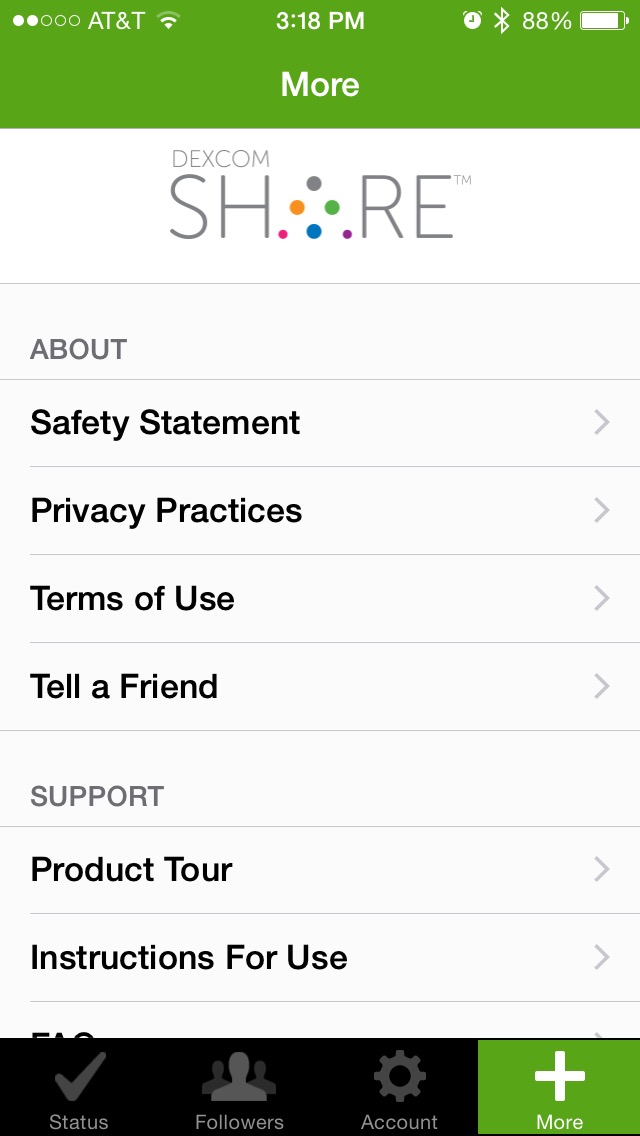
FOLLOW app






Using the SHARE
I use the SHARE in a few ways but mostly for sleeping hours. In my mind the device is perfect because I don't want or need it to be everywhere that Arden is. I believe that much of Arden's growth and the process of her maturing in a way that allows her to care for herself during most hours of the day, are a direct result of the situations and problem solving that is created by my not being able to constantly see her BG.
Despite what you may imagine, safety is not my first concern when I think about overnight hours and type I diabetes. Safety is important but much of the A1c success that we have is a direct result of managing overnight BGs (texting from school is a close second). These sleeping hours are free from eating and often very manageable. I monitor and manage Arden's BGs at night more with her long-term health in mind than short-term. Still, getting out of bed over and over is exhausting and why I have longed for the SHARE to come to market.
SHARE has also stopped me from having to run back and forth to Arden's room in the evenings while Kelly and I are hanging out in the living room. Big plus!
I was able to run to the store the other day in a moment that I normally wouldn't have. Arden's BG was good, stable but on the low side. I left the house confident because I could see her data. The FOLLOW app works perfectly with my cell signal.
The FOLLOW app has customizable and rather loud alarms that are difficult to ignore. They have so far woken me at night with no trouble.
Would I pay $300 for the SHARE?
In my mind, if you have the money... it's worth it just for overnights and the occasional sleepover.
Check this out!

I know that many of you want to use this technology differently than I do and so I experimented with making the cradle portable (read: without an AC outlet).
I used a portable cell phone charger that I bought on Amazon and the results were very encouraging. The cradle ran constantly, powered only by the battery source for 17 hours and 40 minutes.
If you wanted to make SHARE portable, put it in a dugout, under the bench at a basketball game, etc... you easily could but remember that you would be limited by the 20 foot restriction of the Dex transmitter.
All the rest...
- I was given this SHARE by Dexcom as a gift. You can read my disclosure of how that happened on the SHARE unboxing post
- The cradle isn't sexy but it's solidly built and will sit stably on a table top
- The Dex receiver's mini connector looks to be protected from wear and tear by the specific and tight way that the receiver is slid into the cradle
- iPhone and iPod only, "currently not available for Android"
- Cost is listed as $299 on Dexcom's site, it is not covered by insurance
- No prescription is required
- For sale in the US only
- Dexcom suggests a different cradle for each person in your home that needs the product. I'm trying to find out why from the company in more detail than their site indicates.
Tidbits directly from Dexcom
Development work is happening now for "Android, iPad and other iOS devices"
The Bluetooth low energy required for SHARE was not available on Android when the system was being developed - Dexcom is "actively working on it"

Dexcom SHARE Unboxing
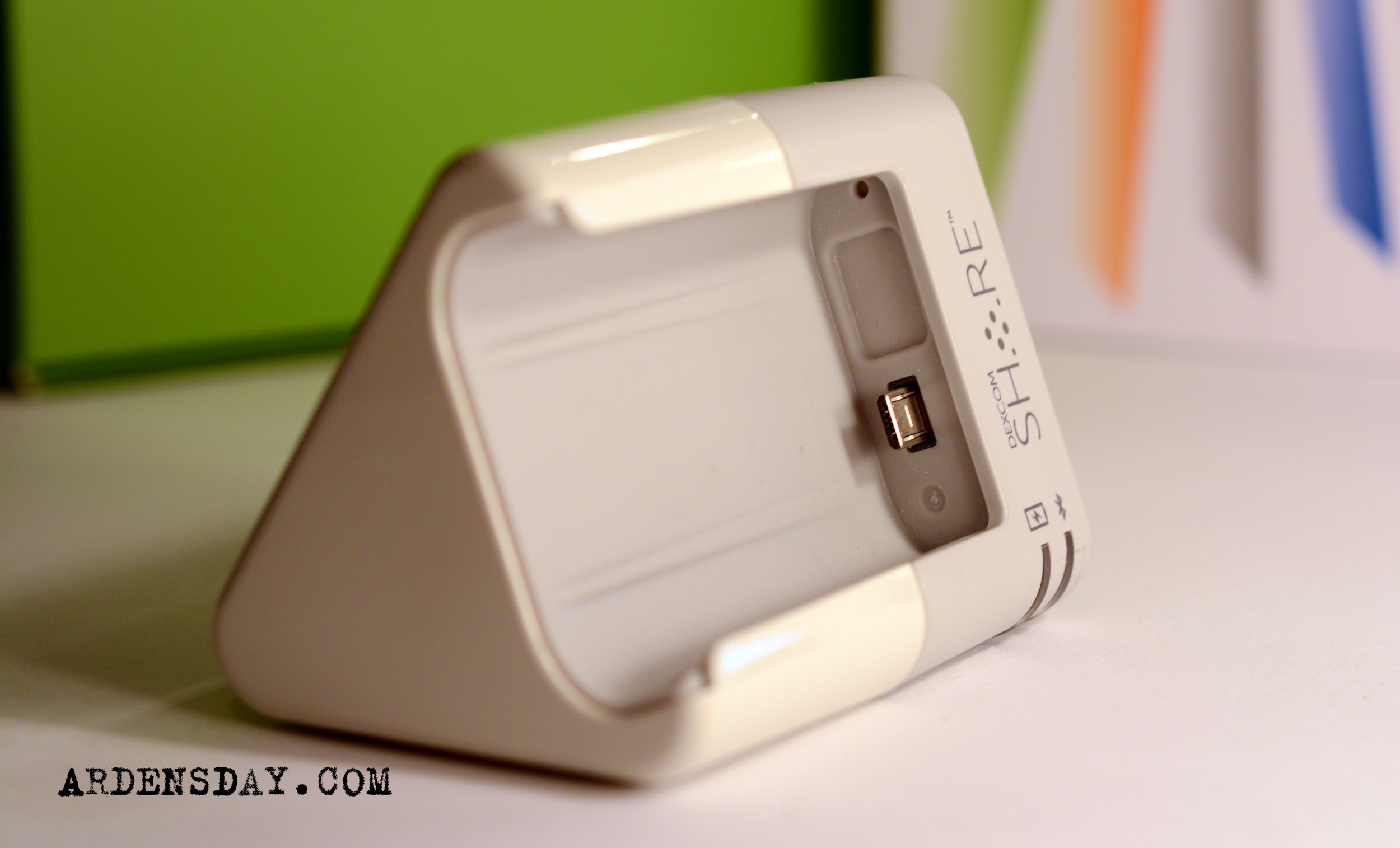
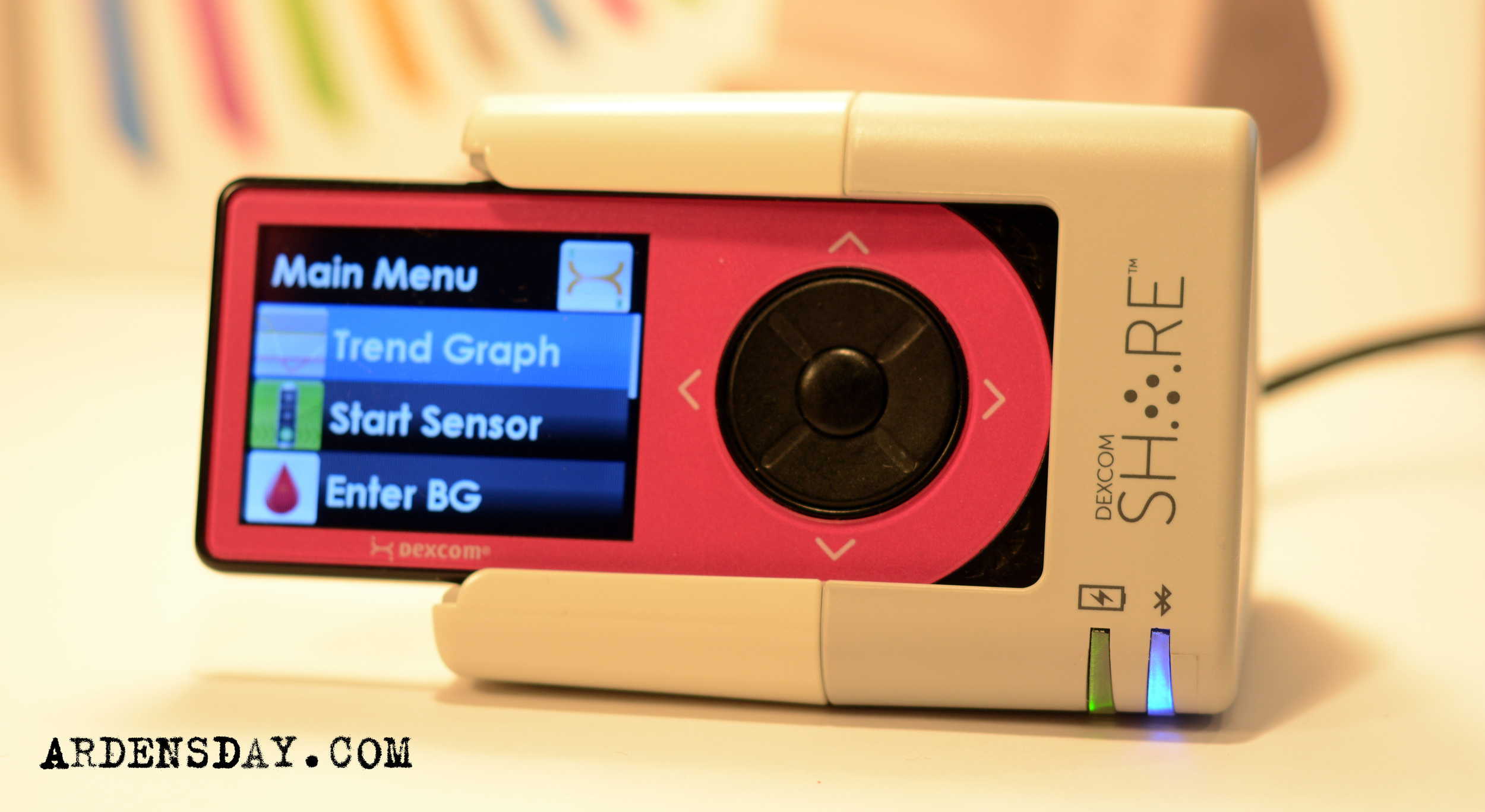
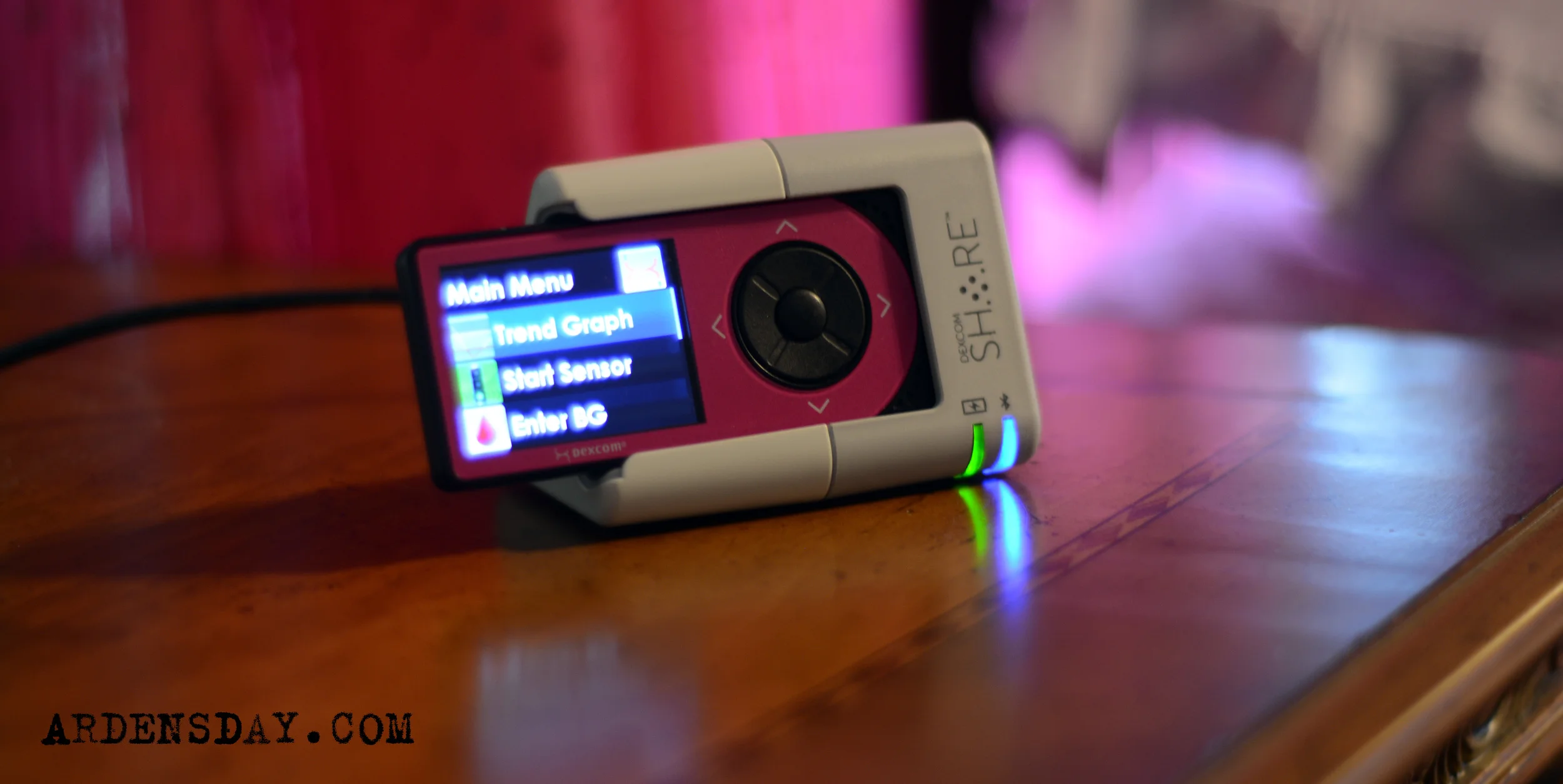
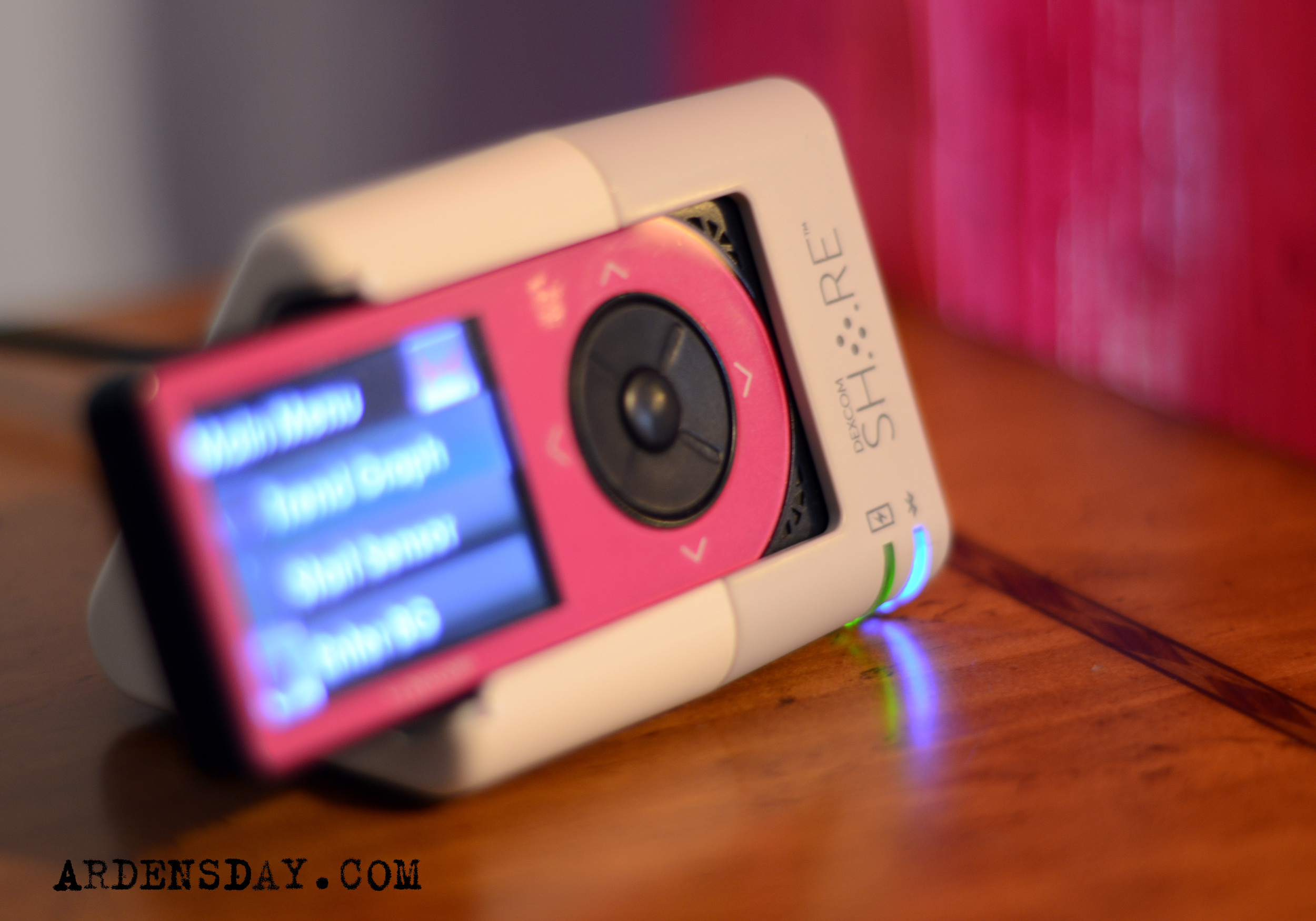
Arden's Dexcom SHARE arrived today, here are my obligatory unboxing photos.
The unit feels well built, it's a bit heavier than I expected and the slot where the receiver slides into the cradle is nicely rubberized. I'll be getting it set up later today for tonight's maiden voyage. Look for my review soon.







Disclosure: Arden received this SHARE from Dexcom as a gift. The note that announced the gift read...
"I wanted to let you know that you have been selected to receive a complimentary Dexcom SHARE cradle and system. Before launching this product, we asked our employees to nominate people in the diabetes community that went above and beyond to educate, support, nurture, or simply be a firm foundation for others with diabetes, and I nominated Arden and yourself."
I had no idea that Dexcom was gifting SHARES or that we were being considered, I found out just as the news of the SHARE being FDA approved hit the Internet - It was a lovely surprise. Had I never been contacted, I would have bought one immediately with our own funds. Dexcom did not ask me to provide a review or to speak favorably of the device, you can be sure that the review I will post will be reflective of my complete and unfiltered feelings and impressions and nothing else - Arden's Day and the diabetes community at large mean much more to me than $299. I am obliged to fill out a "very short survey after 30 days of use", which I will gladly do.
News: Two Apple medical trials shed light on how HealthKit will work
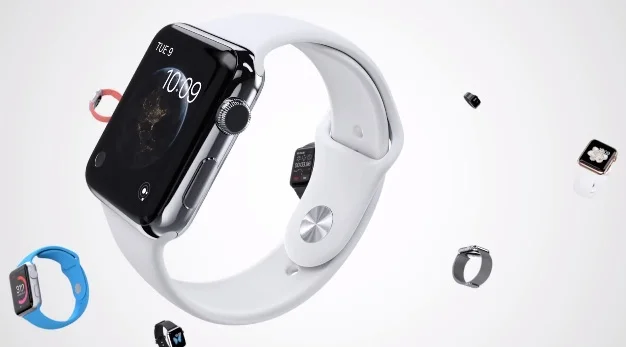
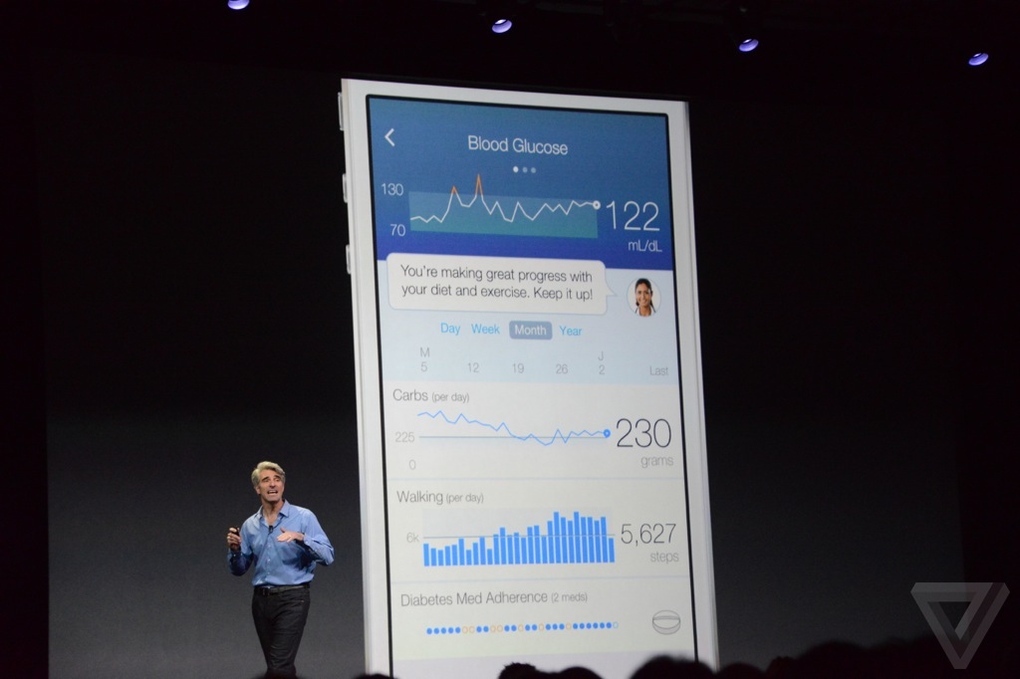
Apple is trying to get into the blood glucose testing market.
Highlights From the Rueters article:
Two prominent U.S. hospitals are preparing to launch trials with diabetics and chronic disease patients using Apple Inc's (AAPL.O) HealthKit, offering a glimpse of how the iPhone maker's ambitious take on healthcare will work in practice.
Longhurst said that in the first Stanford trial, young patients with Type 1 diabetes will be sent home with an iPod touch to monitor blood sugar levels between doctor's visits.
DexCom Inc (DXCM.O), which makes blood sugar monitoring equipment, is in talks with Apple, Stanford, and the U.S. Food and Drug Administration about integrating with HealthKit, said company Chief Technical Officer Jorge Valdes.

Diabetes Breaking Bad
I wrote about this the day after it happened a few months ago but haven't posted until now.
My story about last night begins one week prior... it is an epic opus that answers the age old question, "Will diabetes ever get easier".
My son Cole and I left for Virginia early last Friday morning to attend a four day baseball tournament. The ride took nearly six hours and the games began soon after we arrived. It was during that road trip that I first notice how different the weekend would be without Arden with me, you know, because when I got hungry and reached for a snack... I realized that I didn't pack any food for the trip. If Arden was with me – I would have had enough food to feed ten people.
The next thing I knew I was at a rest stop paying $400 for pretzels and an iced tea, it occurred to me as we checked out that this was the first time that I didn't experience any sort of separation anxiety about leaving Arden in another person's care. Don't get me wrong, my wife is an amazing D-Mom, but I still worry. You know what? It's not worry, it's more a feeling of shirking my responsibilities. This was the first time that I didn't feel like I was passing off my responsibility, it was the first time I didn't feel guilty. "Maybe", I thought, "maybe diabetes is getting easier?".
Kelly and I spoke once during the four day trip (Cole's team came in second place!) about diabetes, Kelly was handling things perfectly and really just needed help deciding if a high BG she was battling with was food or pump related. When she called, I felt like a consultant.
When we returned home Monday night it was almost eight in the evening, thirty minutes later Kelly and Arden arrived at the house from Arden's softball practice. Kelly promptly packed a suitcase and left for a three day business trip. We almost didn't see each other except to pass on the details of Arden's BGs.
The next morning I was unprepared for reality and still pretty tired from all of the driving I did on Interstate 95 so I took the kids to a morning movie. We sat down with a little popcorn, ready to enjoy the show. Then things broke bad...
Arden's insulin pump experienced an error and shut down about half way through delivering her popcorn bolus. I took a deeeeeep breath and said, "No big deal, just eat a little less popcorn and I'll keep an eye on you BG with the DexCom receiver". I remember thinking that we could stay for the movie and Arden could snack a little. I didn't want to drag everyone out of the theater and back home. Arden looked disappointed to begin with (and hungry) and she had brought a friend with her. Lots to consider. I reached into her bag for the DexCom receiver, and it never ceases to amaze me when this happens but, it also was having trouble operating.
I'm not going to lie, I recited a string of extremely offensive curse words to myself as I looked down at those tiny, glowing and useless screen.
Arden looked mortified and asked, "We have to leave, right?". I replied, "No way! I want to see the dragon movie, we are staying... just eat the popcorn really slow – like one piece at a time. I know that sucks but its better than leaving, we can go home after and take care of all this".
And that's what we did. Then we went straight home put on a new pump, changed the pesky CGM sensor and bolused like there was no tomorrow. Arden's BG was back to normal again in a couple of hours.
The next few days haven't gone much better. We have a couple of overused sites that need a break, sensors haven't been giving the best feedback and when I finish writing I have to call Insulet because Arden's PDM is causing her Pods to error every time I change the batteries. But none of those annoyances can hold a candle to last night.
Last night was one of the longest diabetes nights that I have ever lived through. Unexpectedly high numbers led to blousing that didn't accomplish much. Those boluses led to an injection, that led to a pod change and more bolusing... I didn't close my eyes at 6:30 am. It was the first time that I was glad that I missed 'Breaking Bad' when it was first on television because no show makes you not care how exhausted you are quite like 'Breaking Bad'.
Kelly is still away for work so the last I did before watching the sun come up was to send my son a text that read,
"Cole. Arden's BG was tough last night. I didn't go to sleep until after 6:30am. Please watch her CGM and wake me if you need to. Don't let me sleep past 11:30. Thanks!"
These last few days have been as unpredictable and taxing as I can recall and I'm fine. I didn't make myself nuts when I left Arden last week, I didn't overreact when shit went wrong, never felt scared at the theater or when I woke up this morning. It's just another day at the office but not because diabetes gets easier, it never gets easier – you just get much better at it (which is kind of the same thing but, you know, different).